Campaign Asset CRM
A zero-to-one customer reference platform for Google, replacing an email-and-memory process with one Salesforce system for approvals, activations, and usage requests. Designed on-site in Sunnyvale.
- Role
- Senior UX Designer
- Company
- IBM
- Client
- Platform
- Web · Salesforce
- 0 → 1no system to a single platform
- 5databases reachable from one dashboard
- SLDSnative build Google's team could own
The Challenge
Google's product teams had no centralized system for managing customer references around certain online advertising spaces. When a team wanted to use a reference contact for an opportunity or event, there was no way to check whether that contact was approved, see how recently they'd been used, or submit a formal request. Approvals happened over email; usage history wasn't tracked at all. Good references sat underused for the simplest reason: nobody could see them.
IBM placed me on-site at Google's Sunnyvale office to design the platform from zero: approvals, activations, requests, and event tracking, all in one system, built on Salesforce Lightning.
On Campus
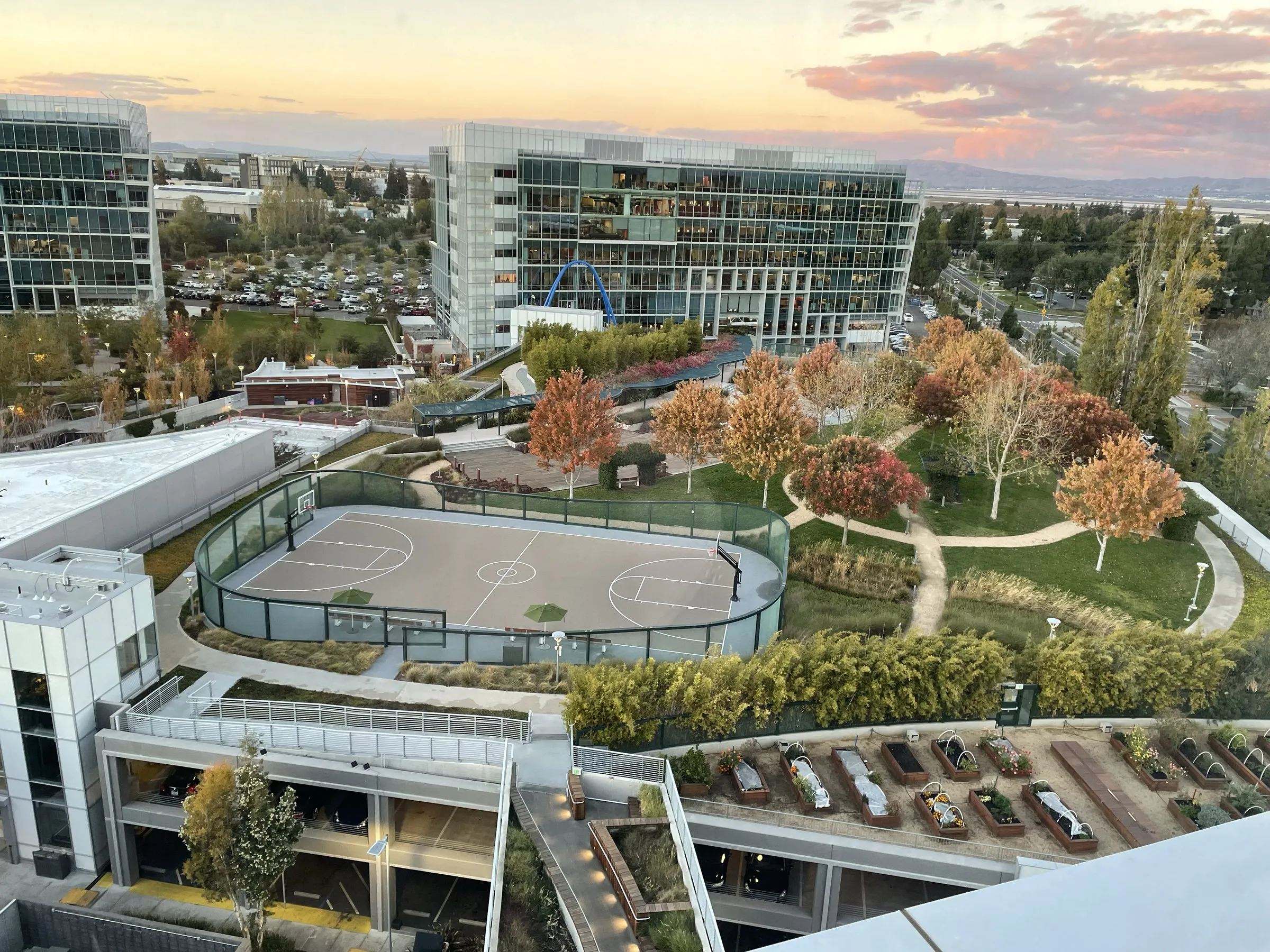
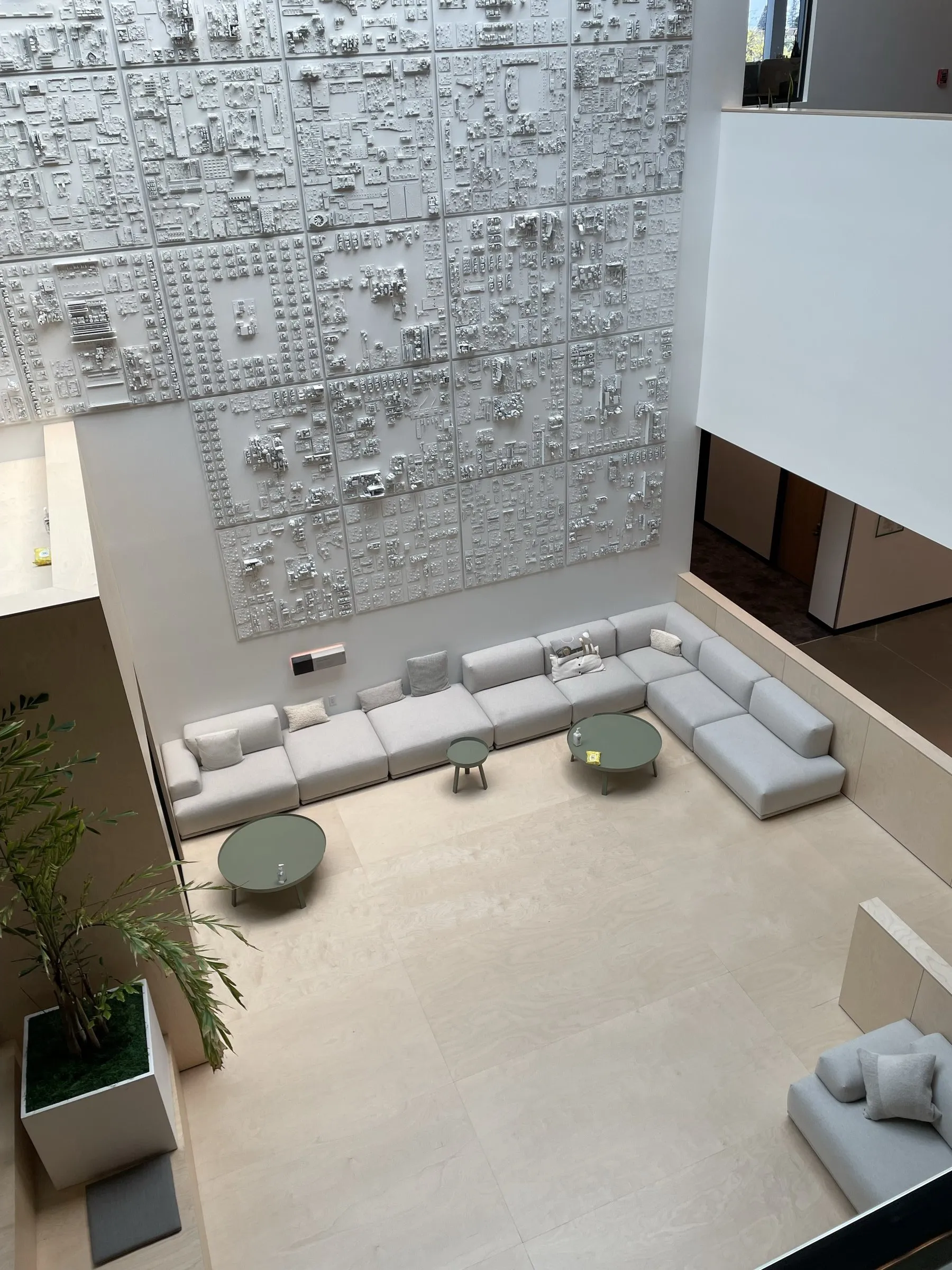
Working on-site at Google's Sunnyvale campus was like a dream. Restaurants, gyms, and employees playing lunchtime soccer on a full-size pitch in the middle of campus.
The people were just as memorable. My primary contact, Luca, became one of my favorite people I've met through work. When he found out I'd never seen the Golden Gate Bridge, he drove me an hour up to San Francisco to see it in person. Everyone I worked with was open, collaborative, and genuinely easy to be around, which made embedding with their teams feel effortless.
Research & Discovery
Being on-site gave me direct access to account managers, campaign coordinators, and team leads. I put together connects with stakeholders immediately and set up workflow audits to understand how references actually moved through the organization. The core tension surfaced quickly: Google needed detailed metadata for tracking and reporting, but the people using references day-to-day just needed to find the right contact and move on.
The research also turned up a different problem. When a sales team needed a reference for a prospect, there was no way to see when and where a contact had been used before, so strong references were going underused purely from lack of visibility.
Design Approach
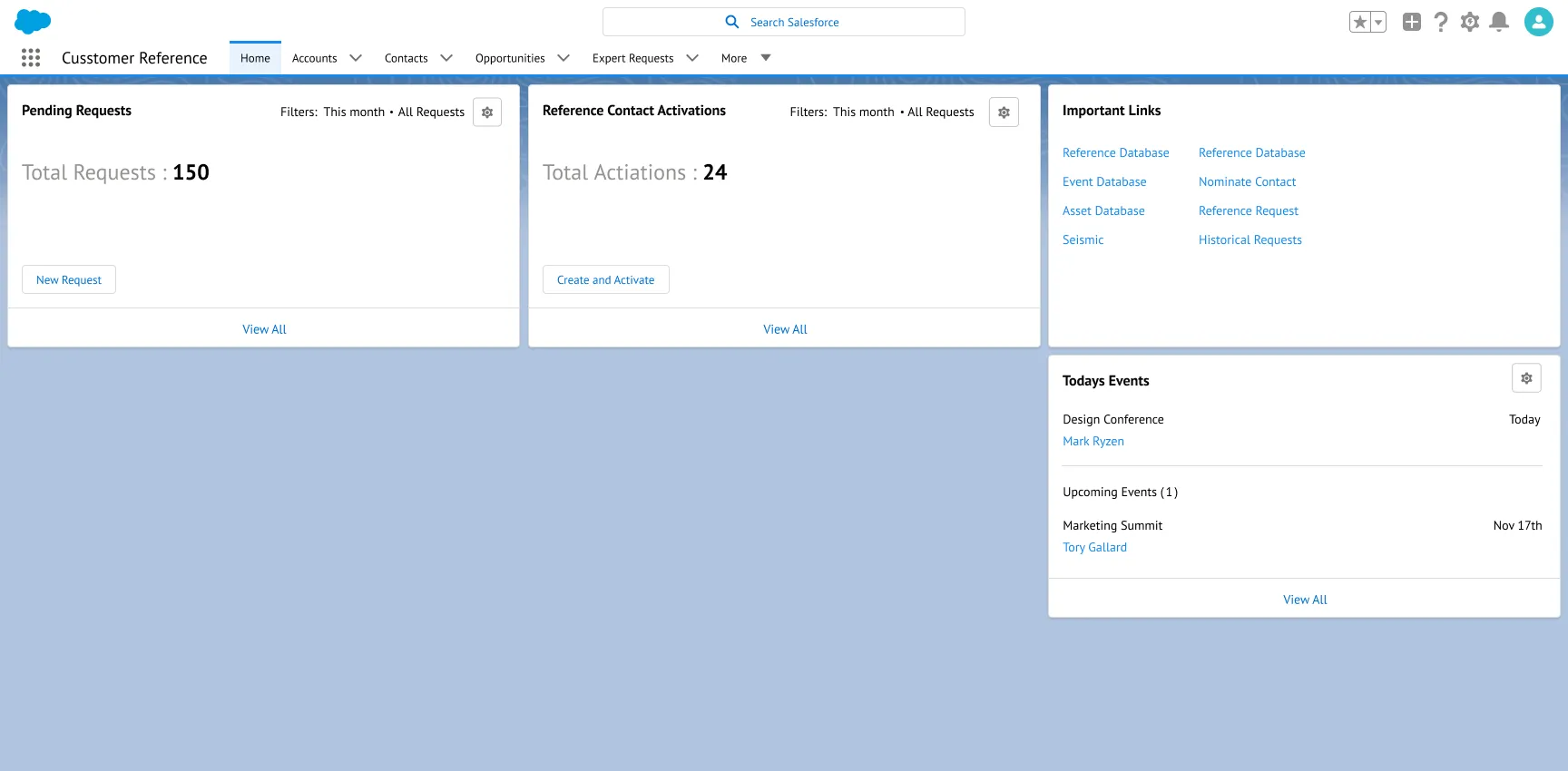
Using a reference was inherently a two-part process: a contact first had to be internally approved and activated, and only then could teams request them for a specific opportunity or event. I designed the system around that reality, starting with a dashboard that showed managers exactly where things stood: requests waiting, contacts needing activation, events coming up. From one screen, a manager could open any pending request and approve or deny it directly, with a links panel giving quick access to the reference, asset, and event databases, contact nominations, and historical requests.
Everything was built within the Salesforce Lightning Design System. That constrained some layout choices, and I worked inside those constraints deliberately. Staying native to SLDS meant Google's existing Salesforce team could maintain and extend the platform without outside help. The goal was a tool that would last, not one that needed a design team to keep running.
Requests & Activations
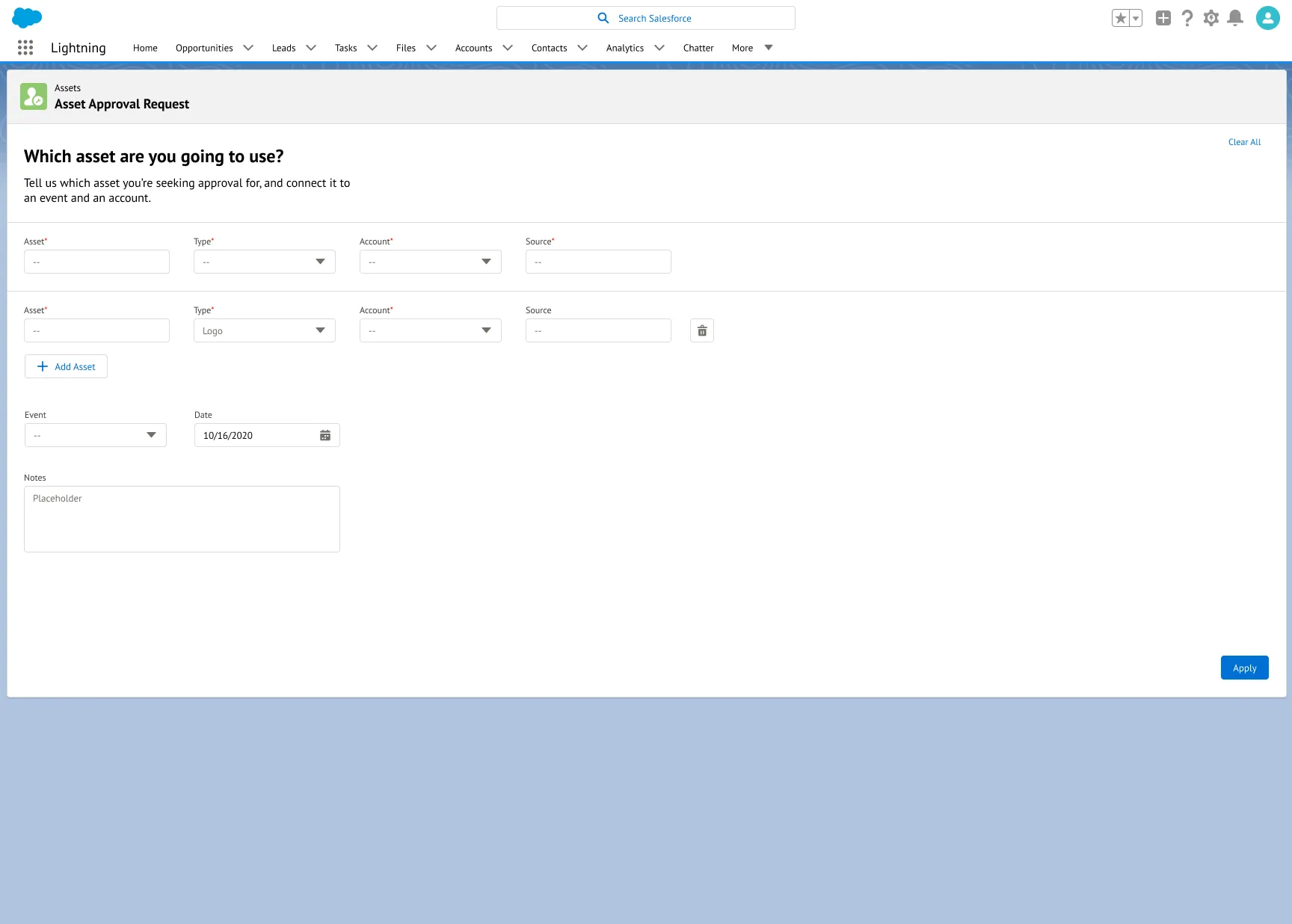
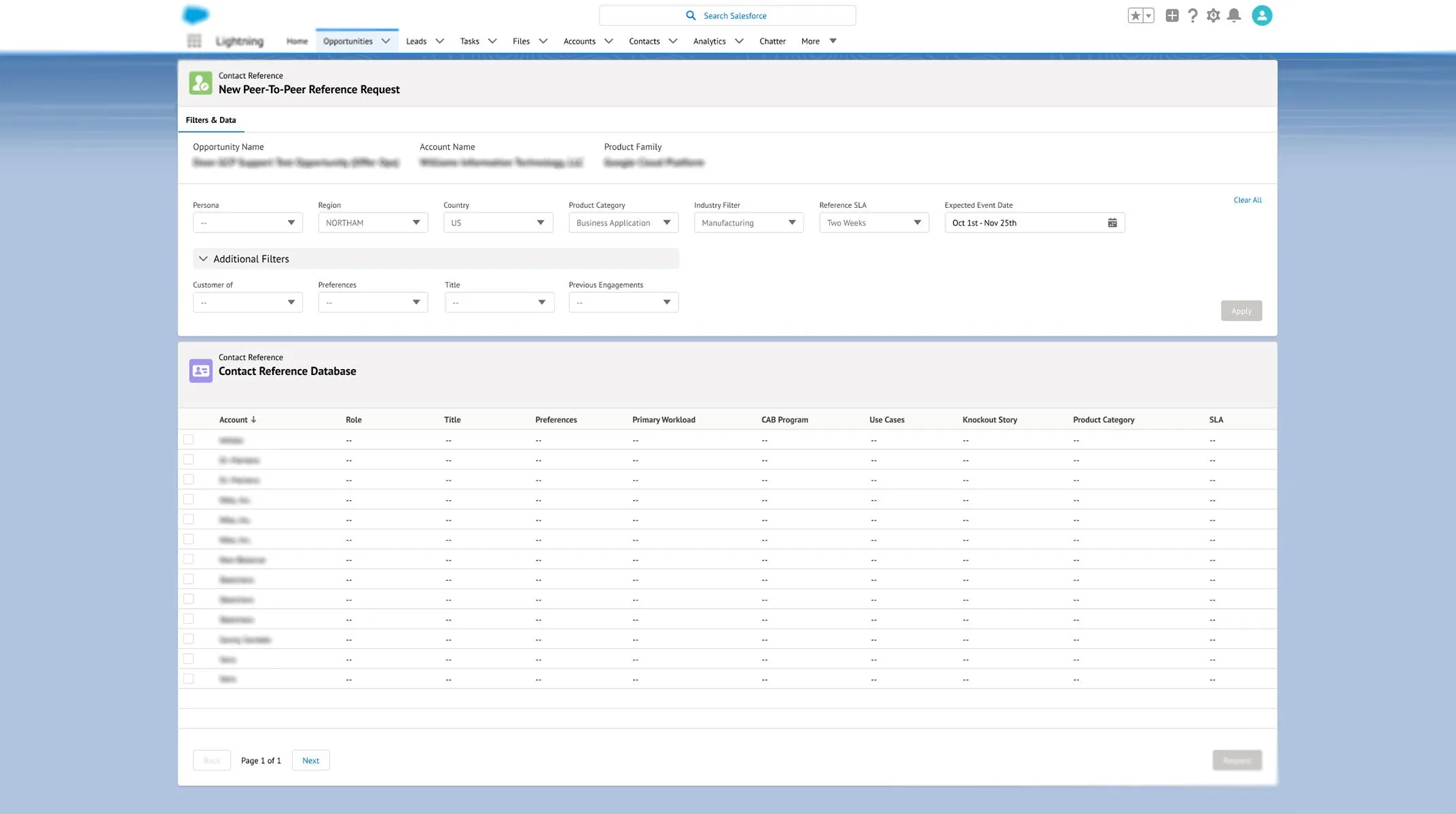
The request flow let teams submit peer-to-peer reference requests tied to specific opportunities. The form pulled context in from the linked opportunity, like account name and product family, then let users filter the contact database by persona, region, country, product category, industry, SLA, and expected event date. Instead of asking around, teams could search for exactly what they needed.
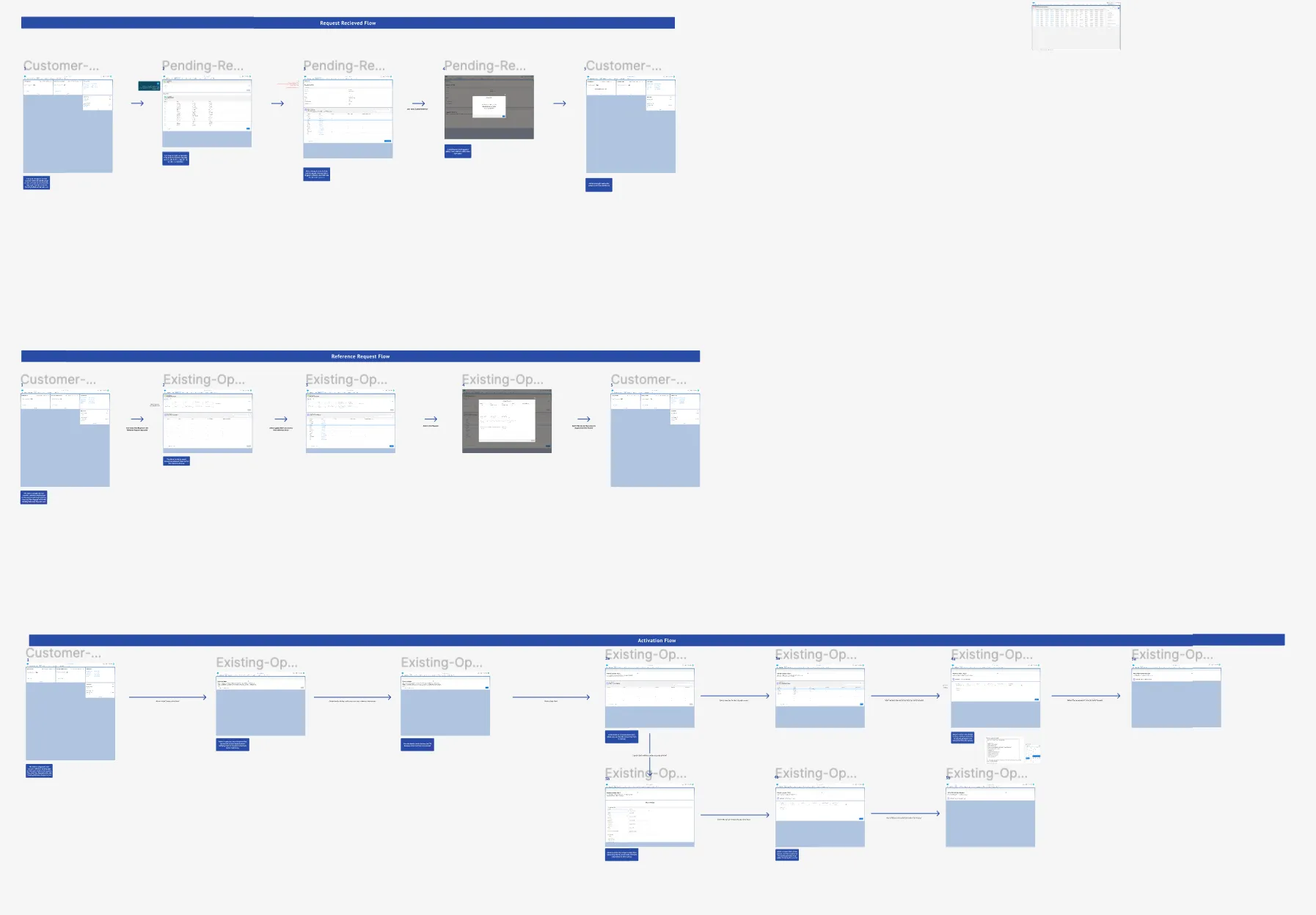
Approved references still needed activation before use, so I designed a stepped activation flow that walked managers through confirming outreach, selecting the contact, and capturing details like primary workload, use cases, engagement frequency, and start date. Once activated, a contact joined the reference community and became visible for future requests, closing the loop that email never could.
Patterns & Handoff
Beyond individual screens, I documented reusable patterns for record layouts, search and filter behavior, detail panels, and form conventions, all aligned with Salesforce Lightning standards but shaped around Google's specific workflows.
This mattered because engineering would own the platform after my engagement ended. Every pattern I handed off included interaction specs, edge-case handling, and the reasoning behind the decisions, so the team building on it could make smart tradeoffs without guessing at intent. I treated the handoff documentation as a first-class design deliverable, not an afterthought.
The Outcome
The platform replaced a process that had run on email and memory with a single system managing references end to end. Managers could see what was pending, approve or deny requests, and track active contacts from one place. Teams could search for the right reference instead of asking around, and the activation flow gave the process real structure for the first time, with contacts onboarded properly and availability tracked.
And because everything lived natively in Salesforce Lightning, Google's own team could keep building on it after I was gone. That was the point.
Reflection
This project rewired how I think about constraints. Adopting SLDS wholesale looked like a limitation, but it was actually the longevity strategy, the reason the platform could outlive my engagement. It also made me treat handoff documentation as design work of equal weight to the screens themselves. The honest gap: my engagement ended at delivery, so I never saw post-launch usage data. If I could change one thing, I'd have pushed to define adoption metrics and instrumentation before handoff, so the team inheriting it could measure what the design actually changed.